 Bynder×
 StrapiBynder×Strapi
Free and open source · MIT licence
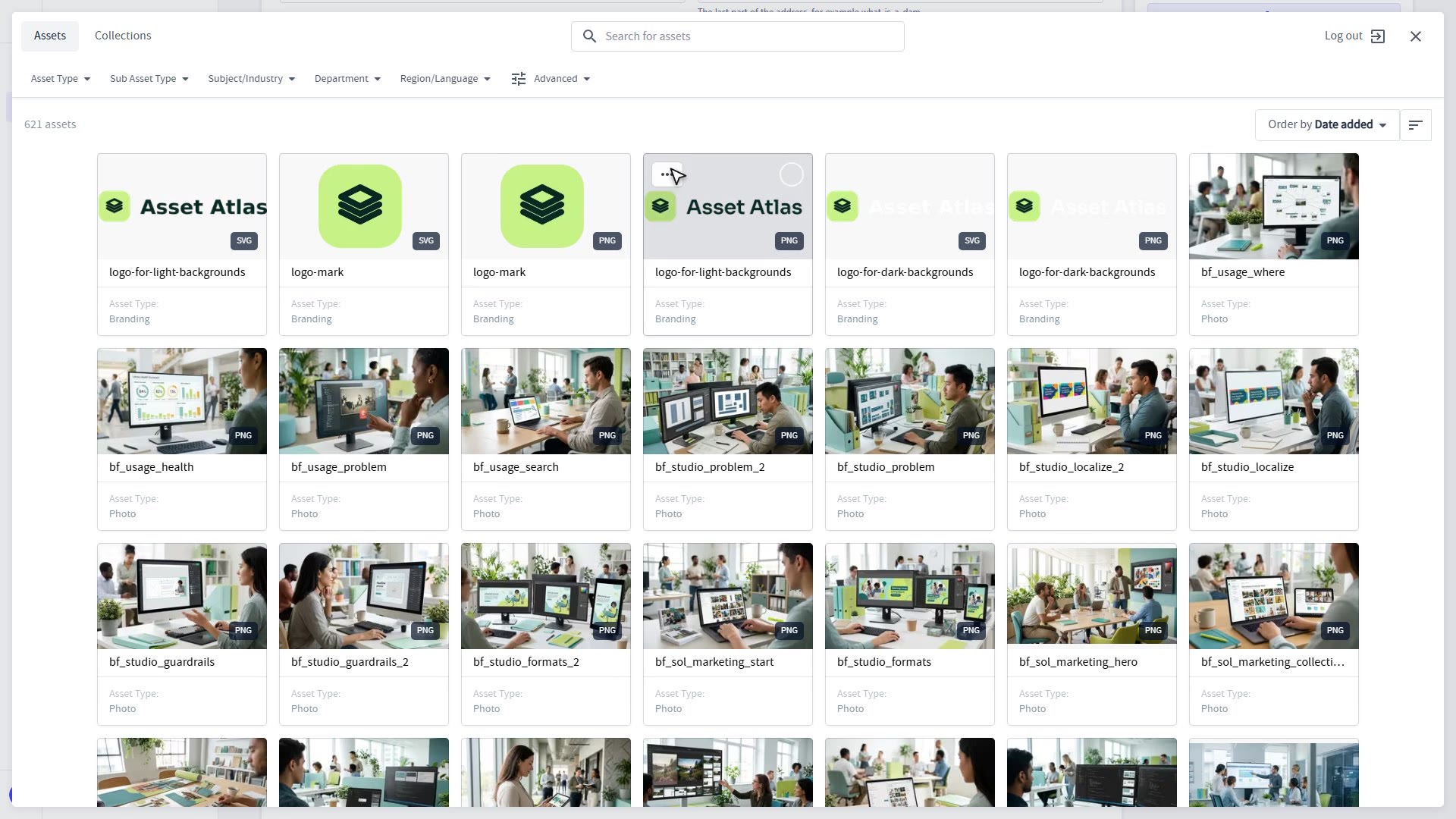
Pick approved assets from your Bynder portal inside the Strapi editor. Nothing is copied, so Bynder stays the single source of truth.
Fields
Picture, video, audio and document. Each one is limited to its own Bynder asset type, so editors can only pick what fits. Strapi stores the link and a few facts about the asset, never the file.
See the field types →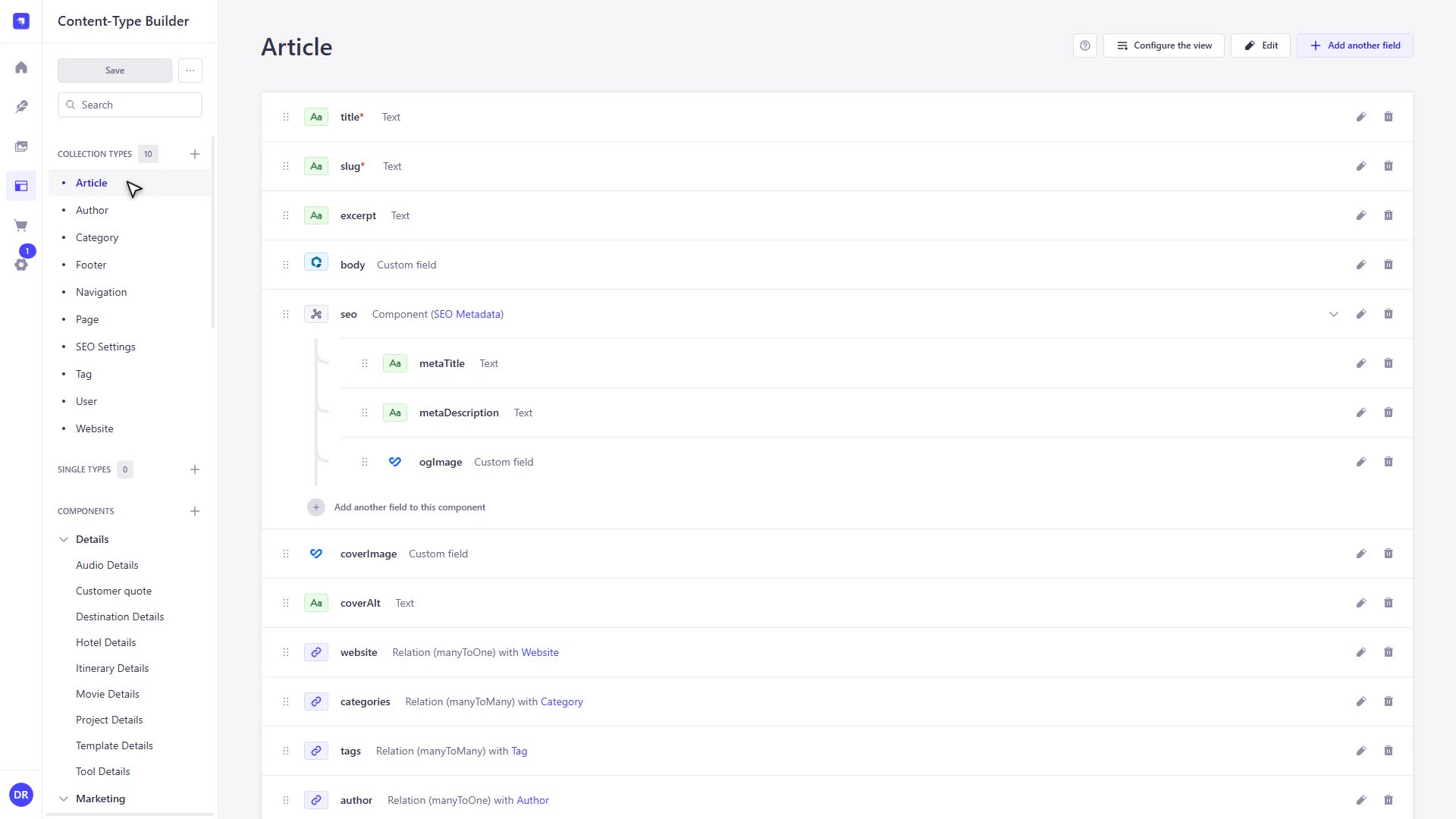
Picker
Editors search and pick with Bynder’s own Compact View, in your brand colours. They choose the file version they need: a derivative, the original, or a transformation.
How picking works →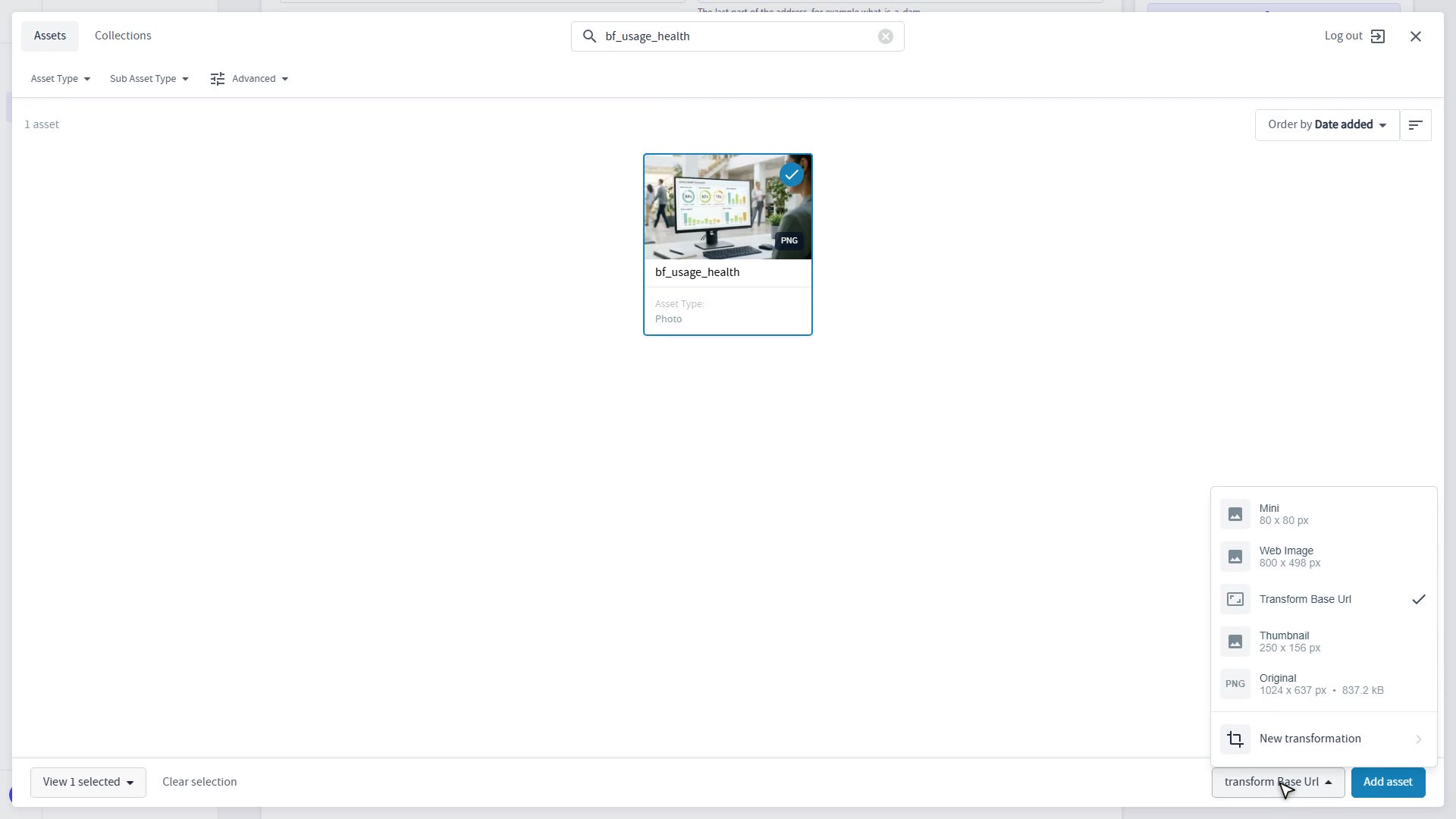
Rich text
An optional CKEditor 5 package adds Image, Video and Audio to the toolbar, so Bynder assets sit inside the text, not only in fields.
Set up the editor menu →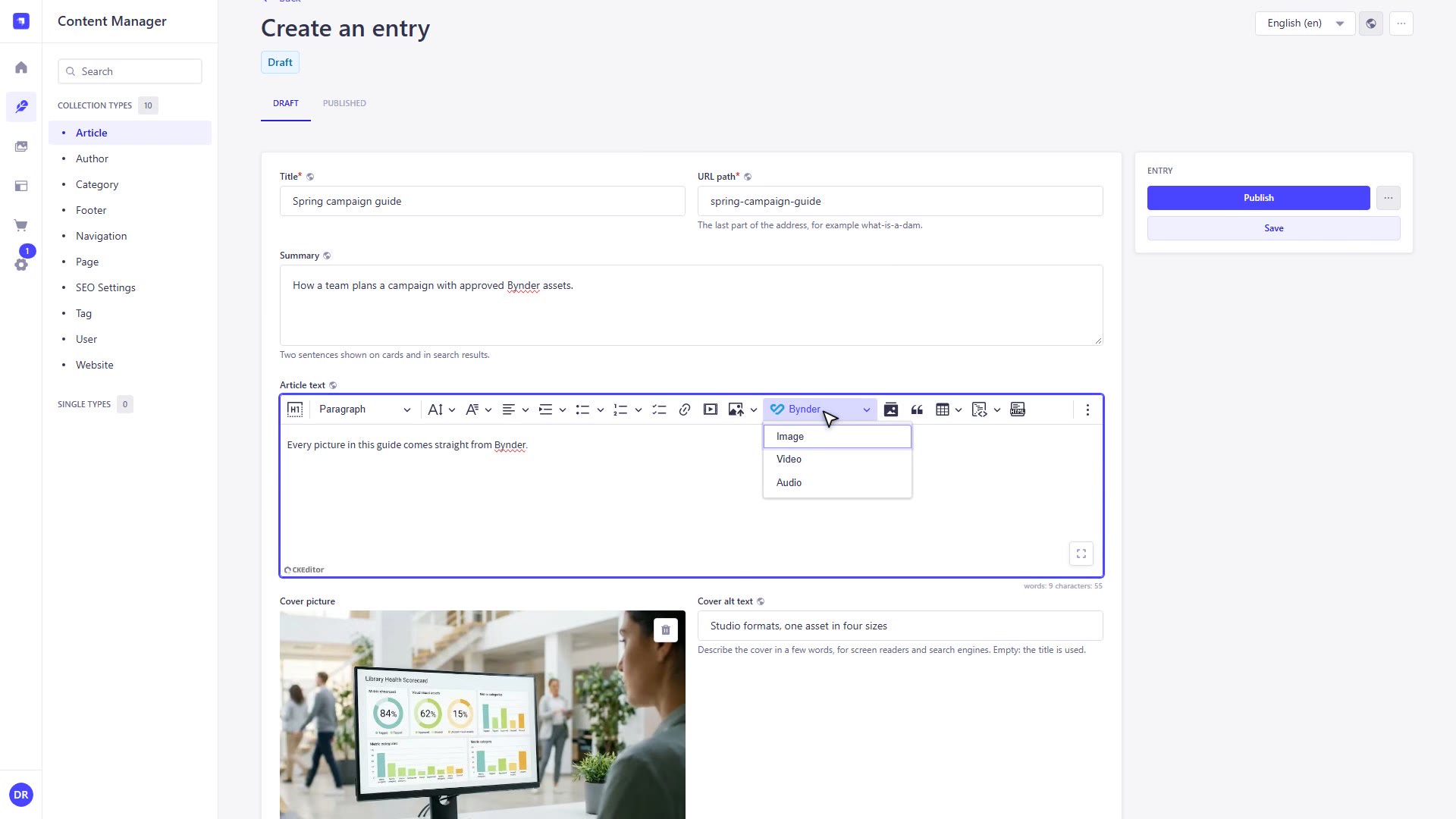
Video and audio
Each media block has its own settings bar. Make a video vertical, loop it in silence, add a caption. The saved HTML is plain and yours to style.
The saved HTML and CSS →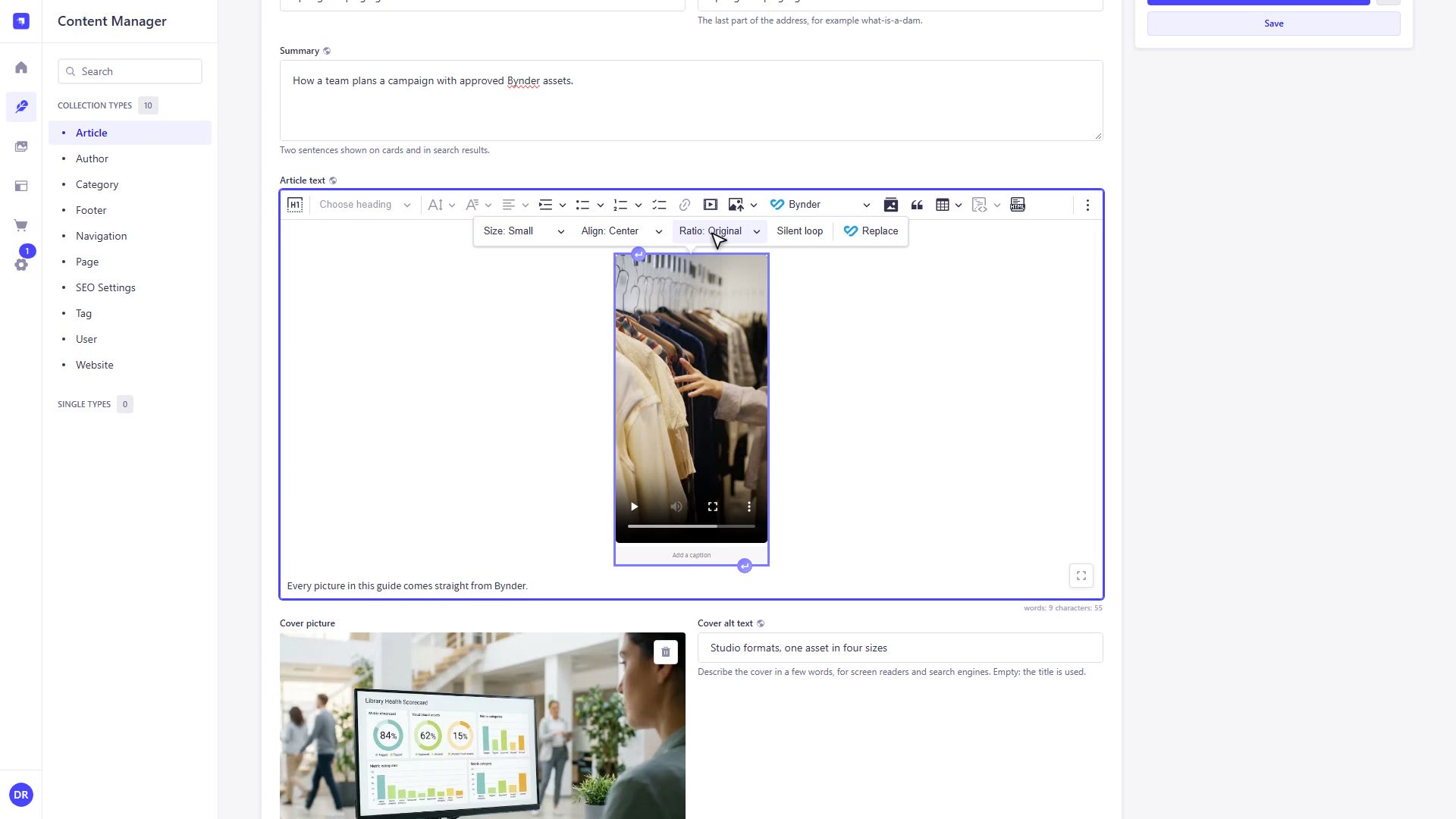
Your site
Read the stored URL from the Strapi API and ship it. Resized images, video and audio all come from Bynder’s delivery network.
Show assets on your site →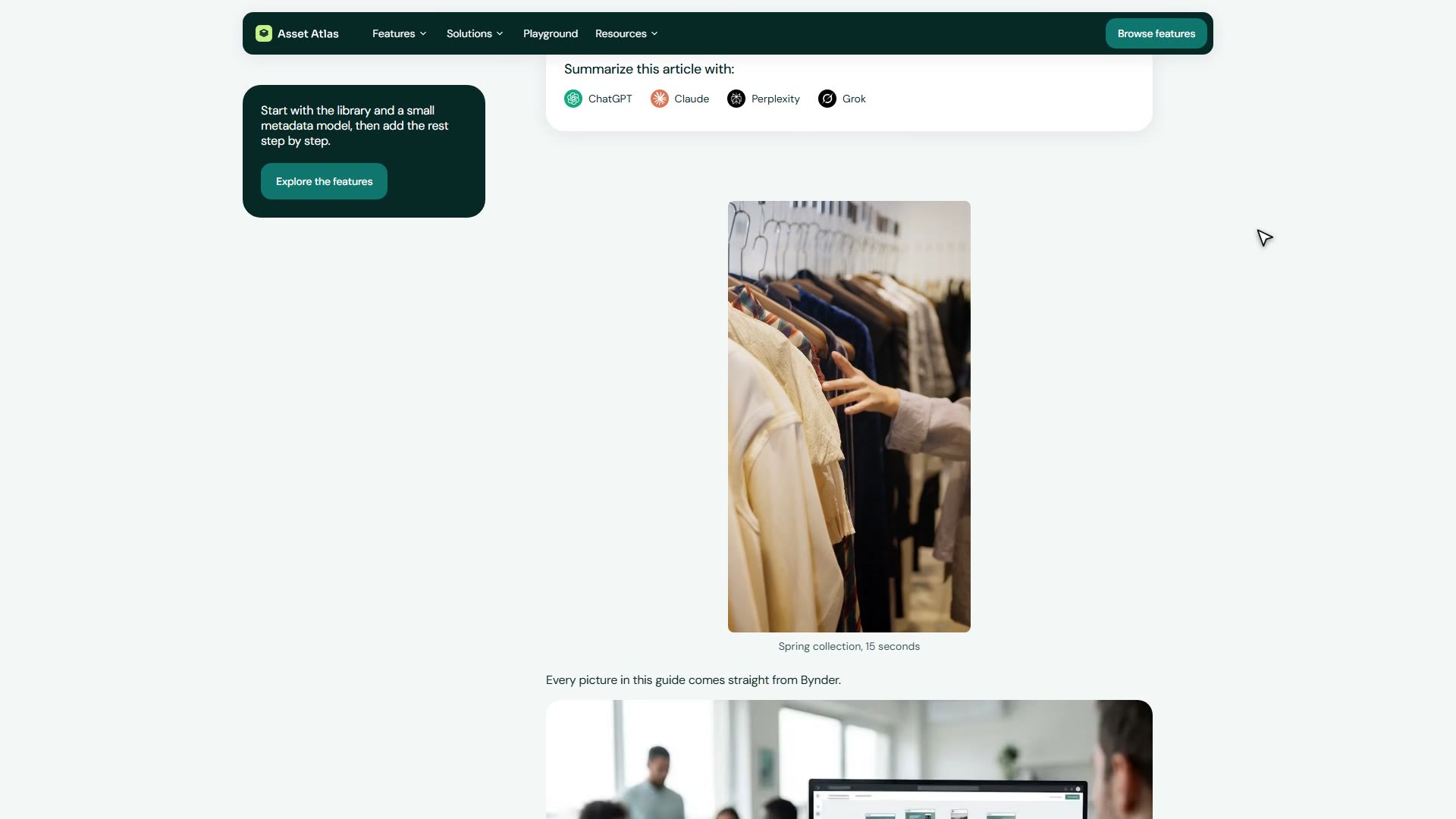
 Built by Gladtek.